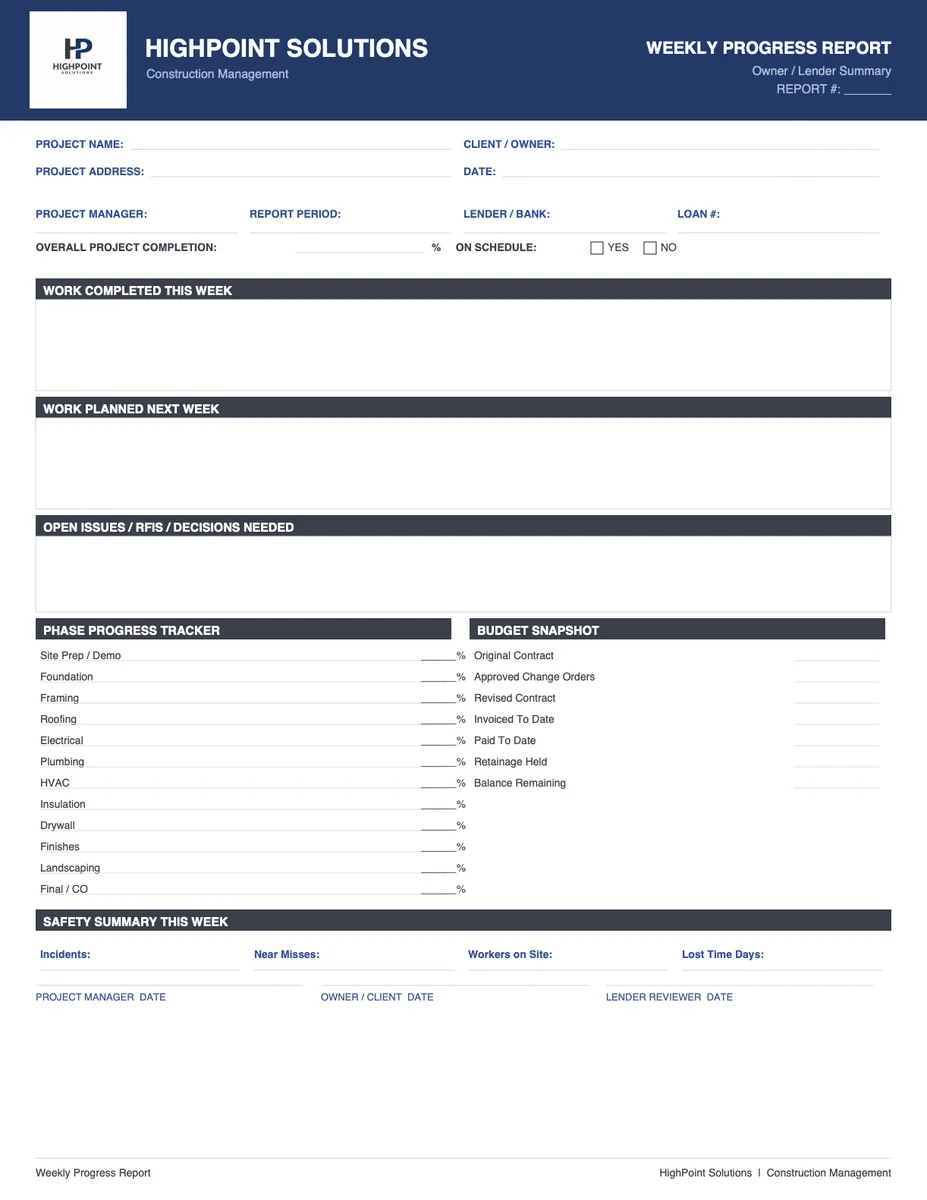
Weekly Homebuilding Progress Report Template
What this document is
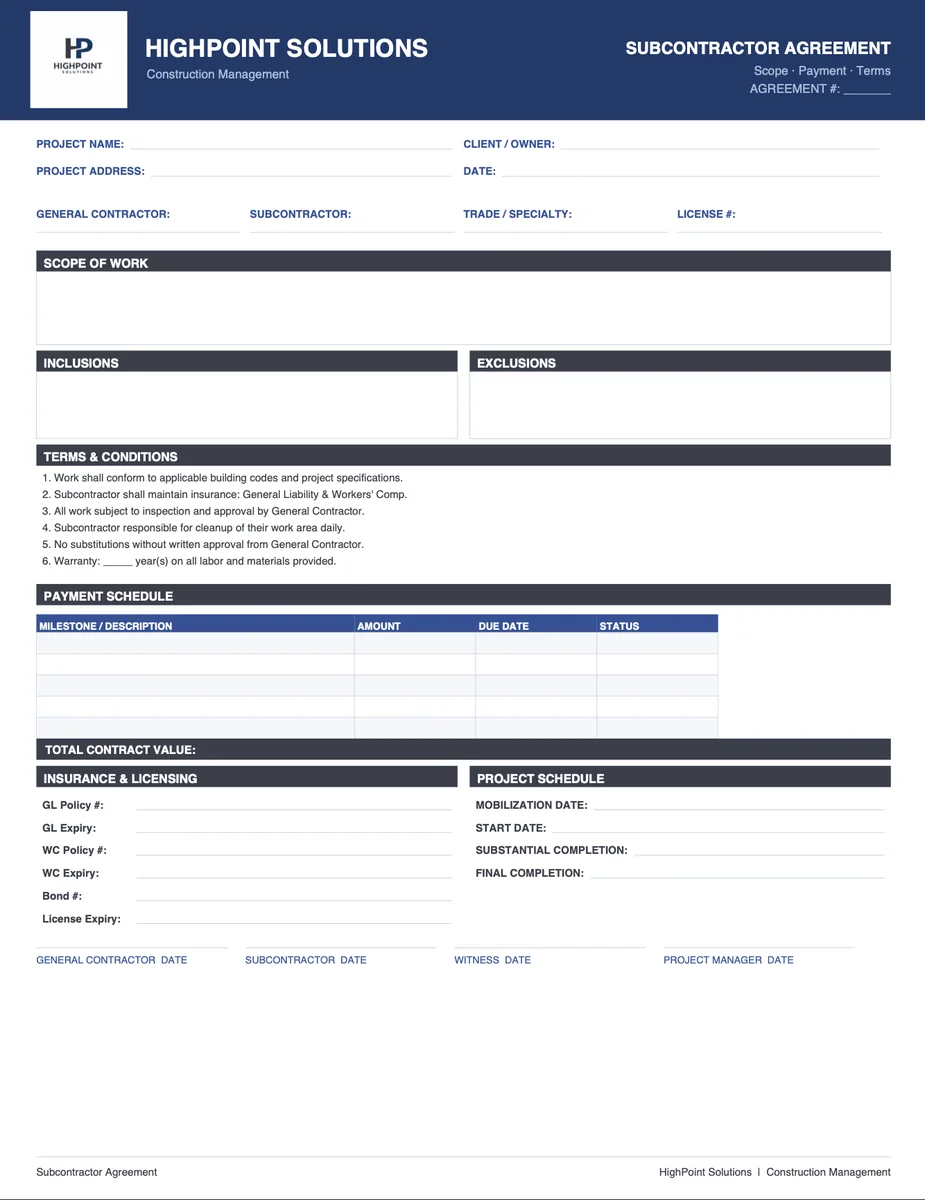
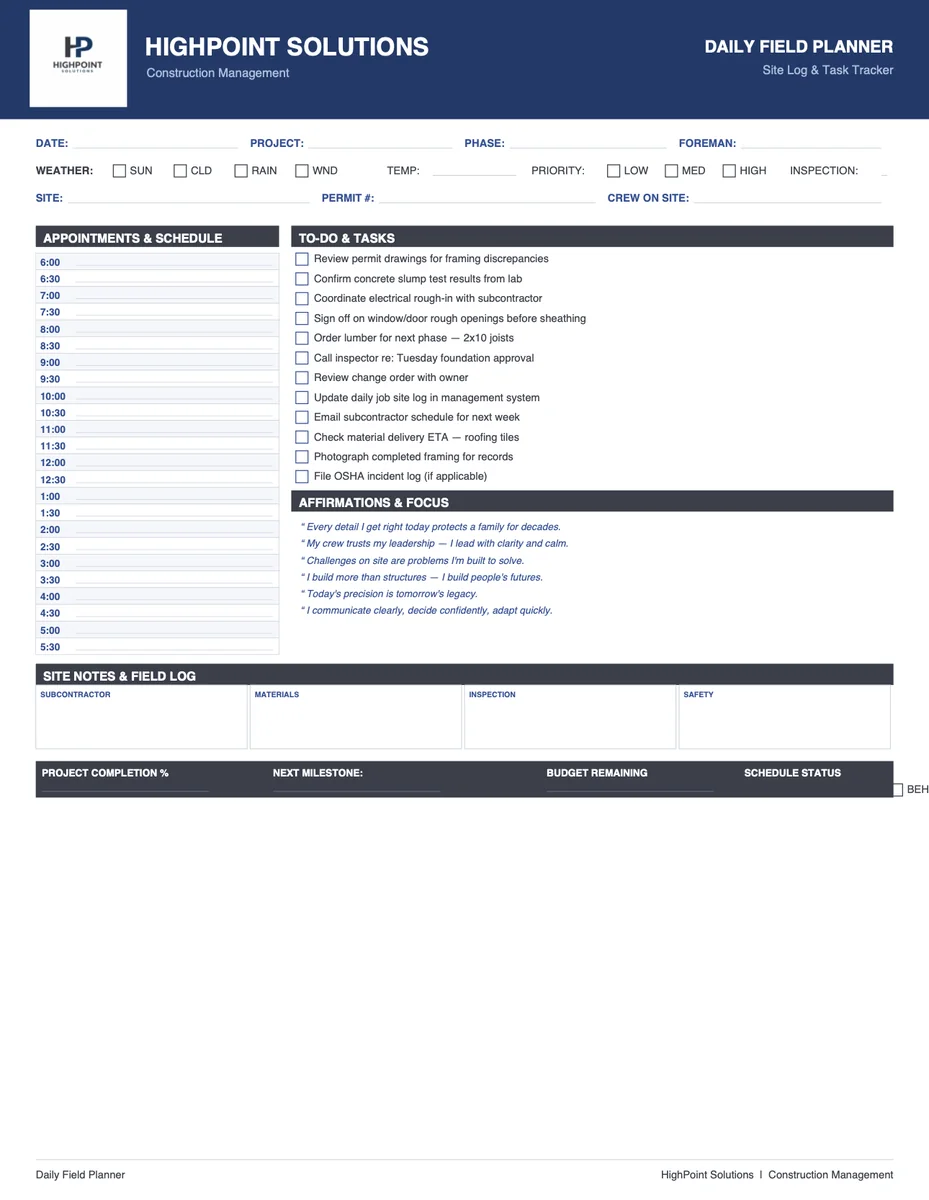
A weekly progress report keeps homeowners informed and builders accountable. It documents what happened on-site each week — trade work completed, schedule status, any issues or delays, and what's scheduled for the following week. In residential new construction and remodeling, this report is the primary communication tool between the builder and the homeowner.
Who it's for
This template is designed for:
- Custom home builders communicating with homeowners
- General contractors on residential remodeling projects
- Project managers tracking job-site progress across multiple trades
- Insurance restoration contractors documenting work for adjusters
What the report covers
Work Completed
A trade-by-trade summary of what was accomplished during the reporting week. Includes rough framing, mechanical, electrical, plumbing, insulation, drywall, exterior, and finish work as applicable to the project stage.
Schedule Status
Current status relative to the project schedule. Notes milestones hit, delays and causes, and revised completion estimates if applicable.
Issues & Open Items
Active problems requiring resolution — material delays, subcontractor scheduling conflicts, RFIs, change order requests, or inspection failures. Each item includes a responsible party and target resolution date.
Next Week's Work
Planned activities for the upcoming week by trade. Gives the homeowner visibility into what to expect and helps the builder coordinate subcontractors.
Photo Log Reference
Reference to site photos taken during the week. Photos are typically stored in a shared folder linked from this Space.
How it works in River
When you set up this Space, tell the AI your company name, the project name and address, and any relevant background. Each week, share your field notes — what work was done, any issues, what's next — and ask the AI to draft the progress report. It formats everything into the correct sections, uses your company's name in the header, and exports cleanly to PDF or Word.
Frequently asked questions
Can I send this directly to a homeowner? Yes. Export to PDF and send via email. The template is written in clear, professional language appropriate for homeowner communication.
Does the AI know my company's standard format? After you provide your company name and any specific formatting preferences during setup, the AI applies them consistently across every report it drafts.
Can I track multiple projects in one Space? The template is designed for a single project. For multiple concurrent projects, create a separate Space for each.
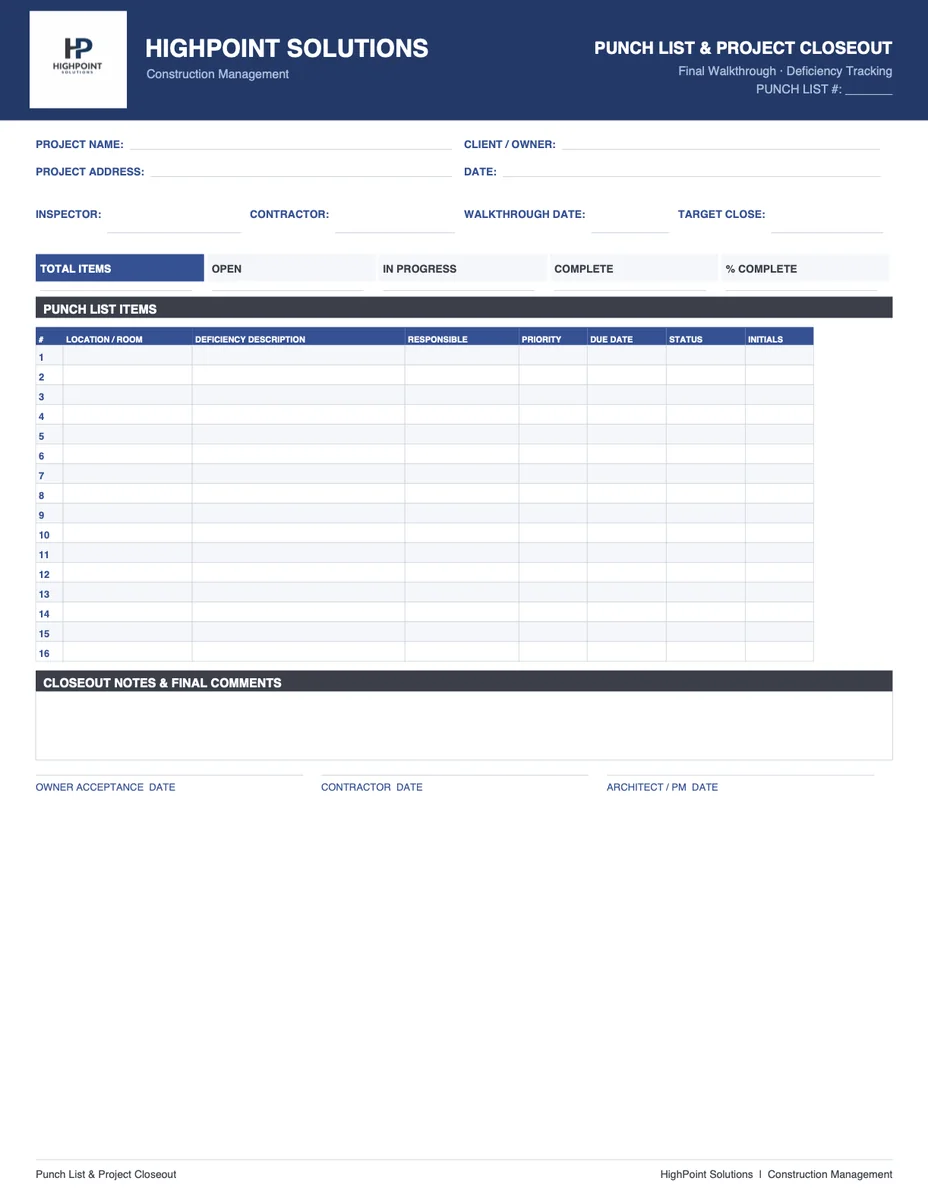
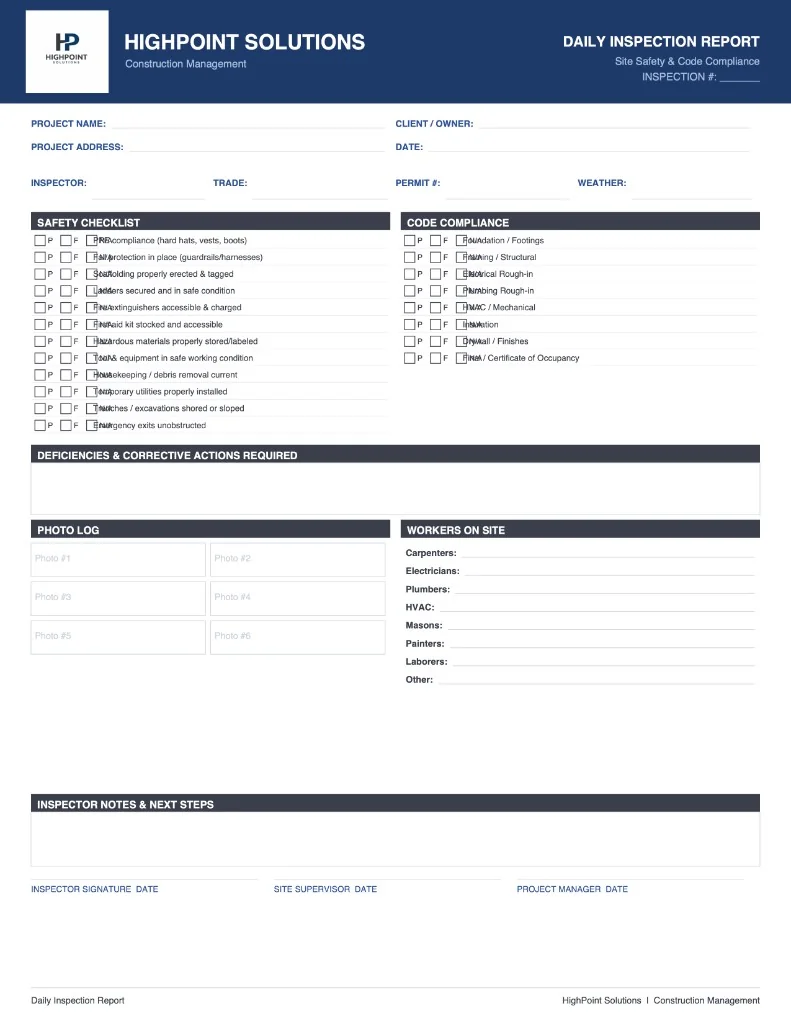
Does this replace an inspection report? No. This is a builder-to-owner communication document. See the Construction Inspection Report template for official inspection documentation.