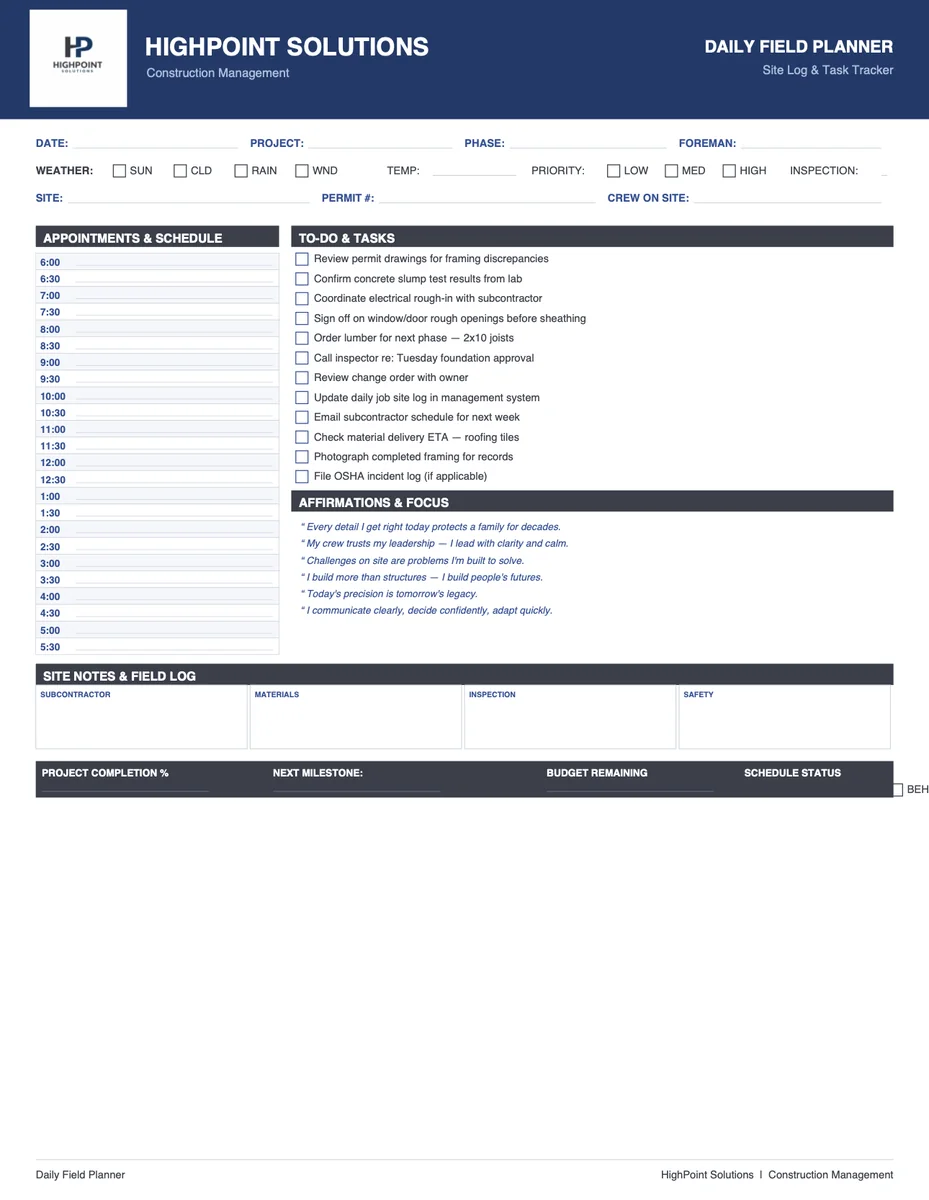
Daily Field Planner for Construction Crews
What this document is
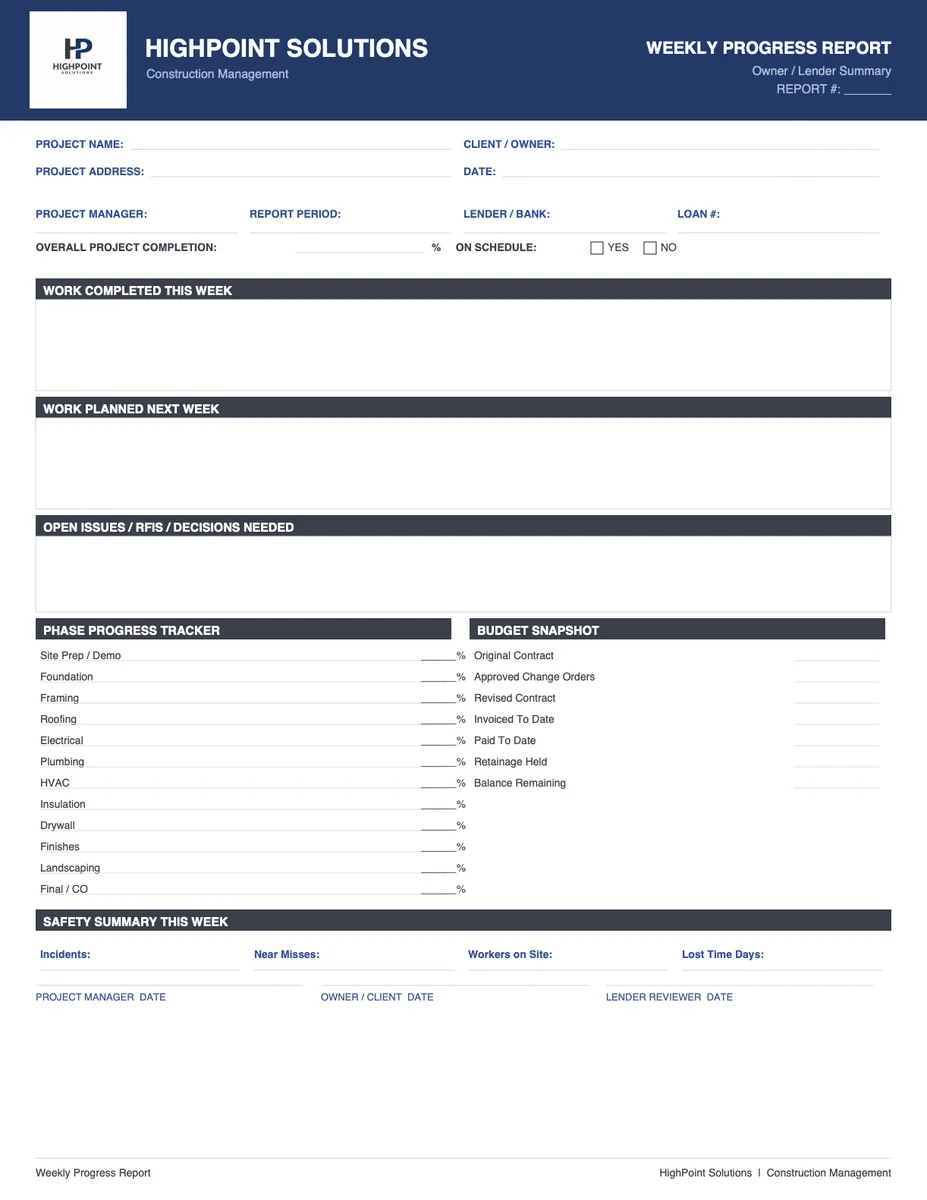
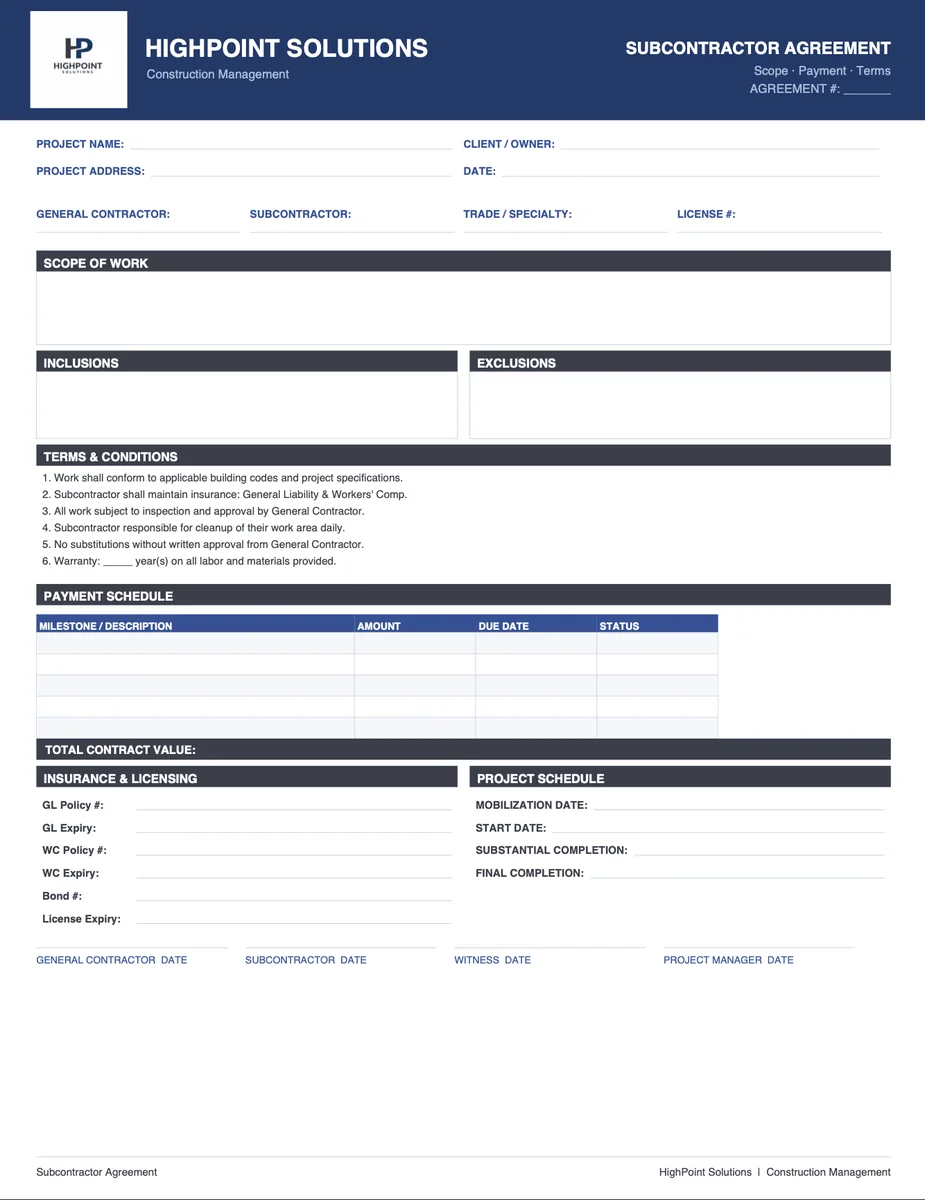
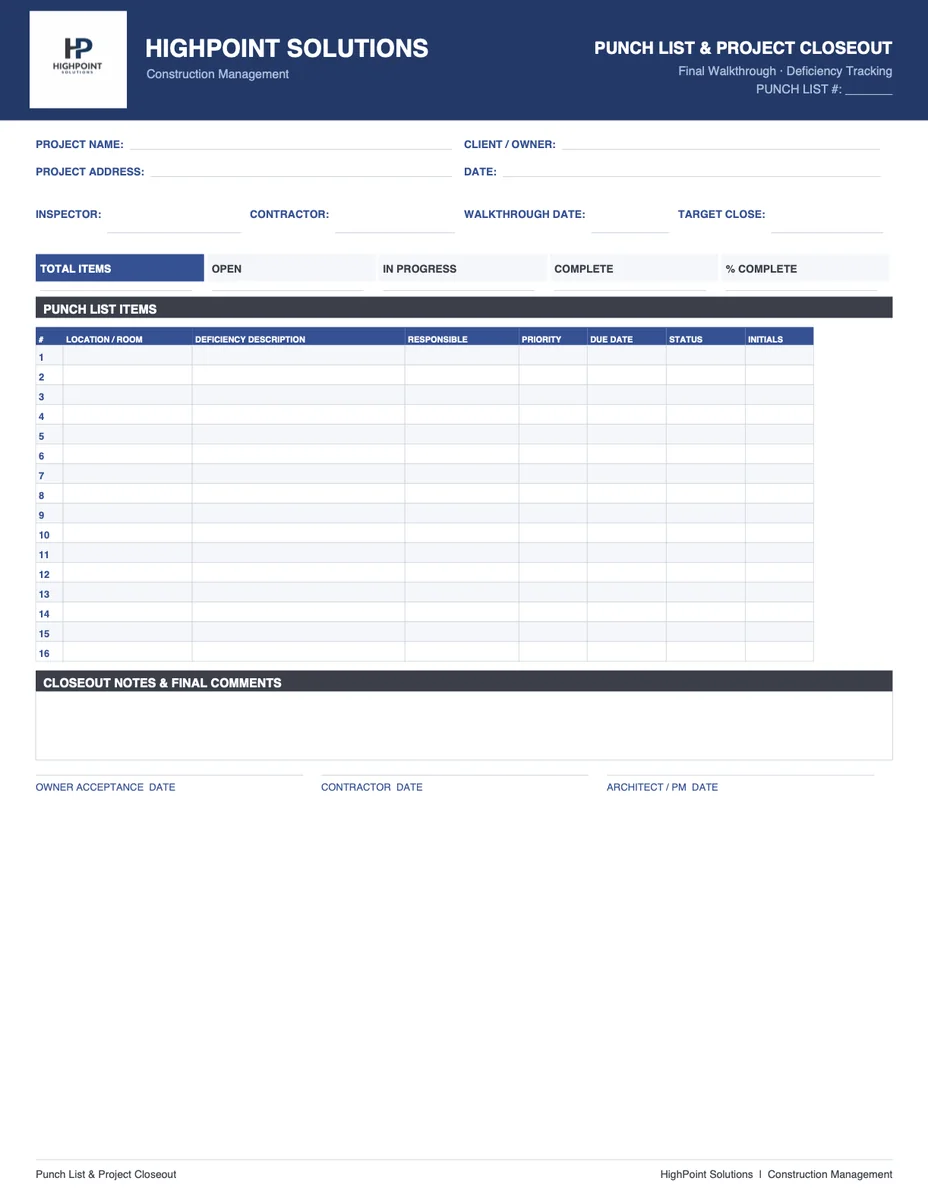
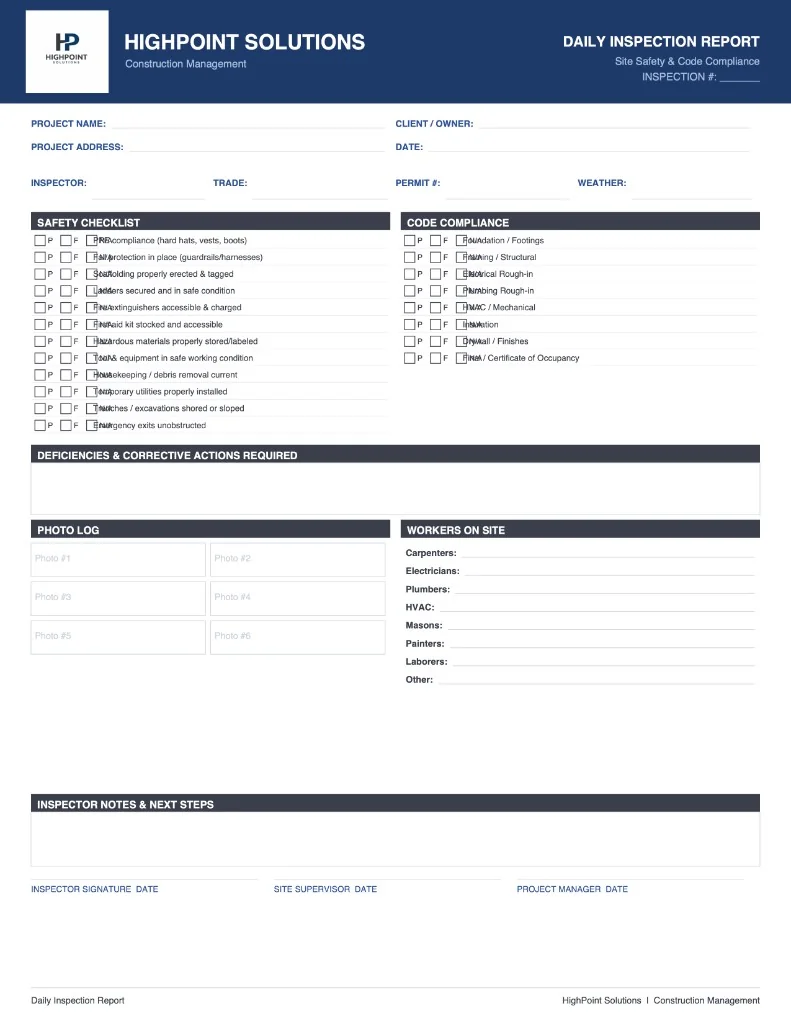
A daily field planner is the on-site scheduling and documentation tool for a construction crew. It lays out what needs to happen today, who is responsible, what equipment and materials are required, and what actually happened by end of day. Over time it becomes the daily log — an essential record for schedule disputes, insurance claims, and lender reporting.
Who it's for
- Superintendents managing crews across multiple phases of a residential project
- Lead carpenters and trade foremen coordinating daily work
- Project managers tracking daily production on fast-track schedules
- Insurance restoration project managers documenting daily activity for adjusters
Document sections
Date and project header
Project address, date, weather conditions, temperature, and crew count.
Daily work plan
Task list by trade or crew with assigned personnel, required materials and equipment, sequence notes, and target production for the day.
Daily log (end of day)
What was completed, what was not completed and why, any issues or delays, materials received, inspections passed or failed, and visitors on-site.
Safety topic
Brief daily safety reminder relevant to the work being performed.
Next day preview
Quick list of what's scheduled for tomorrow, so crews can plan material staging and subcontractor coordination in advance.
How it works in River
In the morning, tell the AI what's on the schedule — what trades are working, what tasks are planned, any constraints. The AI drafts the daily plan. At end of day, add your notes and the AI updates the log. Export to PDF for your project file.