
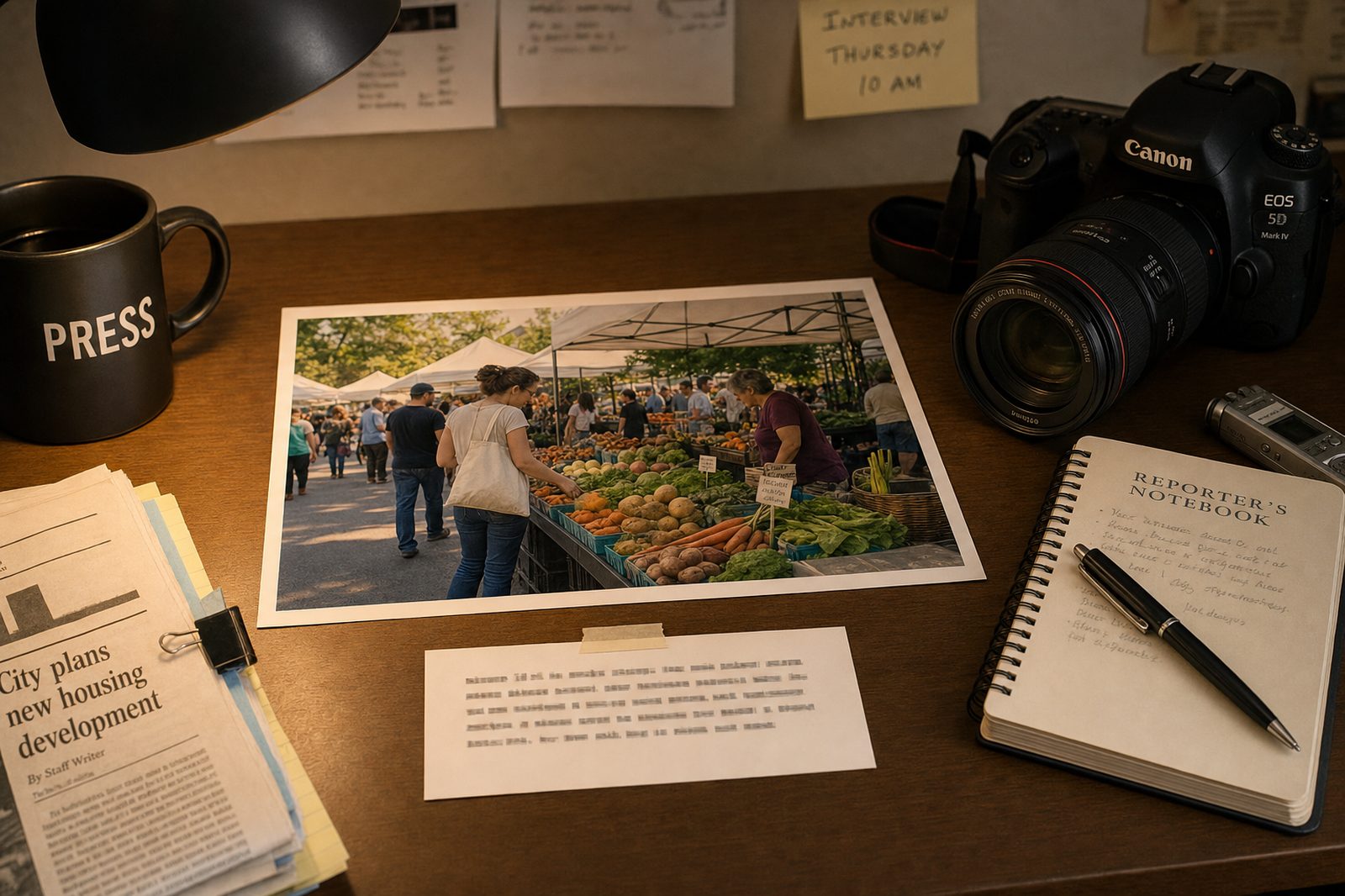
Photo captions serve multiple purposes: they provide context for images, attribute photos properly, and add information that complements body text without repeating it. Strong captions work as mini-stories that stand alone when readers scan images without reading full articles. According to Poynter research, captions are read 300% more often than body text, making them high-value real estate for information delivery.
What 4 Elements Must Every Photo Caption Include?#
Every complete caption includes 4 required elements: visual description (what's happening), subject identification (who), context (why it matters), and photo credit (attribution). Missing elements create incomplete captions that fail readers.
Photo Caption Elements Checklist#
| Element | Purpose | Example |
|---|---|---|
|
What the photo shows (present tense) | "Dr. Sarah Chen examines a CT scan" |
|
Who is in the photo (full name) | "Dr. Sarah Chen, chief of surgery" |
|
Connection to story, significance | "...amid staffing shortages that increased workloads 30%" |
|
Photographer and publication | "(Photo by John Smith / City News)" |
How Do You Write Captions That Add Value?#
Weak captions repeat body text. Strong captions add new information. Think of captions as supplementary reporting that enhances visual storytelling. Include details not mentioned elsewhere in the article.
Good caption (adds information): "Third-graders work on math problems using outdated textbooks from 2015. The school district has not purchased new elementary math materials in eight years due to budget constraints. (Photo by Jane Doe / Education Weekly)"
Bad caption (repeats body text): "Students work on math in their classroom. Budget cuts have affected the school."
Ways to Add Value in Captions#
| Technique | What to Include | Example |
|---|---|---|
| Add details | Specifics not in body text | "The scanner costs $2.5M and sits unused 3 days weekly" |
| Explain visuals | Technical or unfamiliar elements | "The blue light indicates the machine is in standby mode" |
| Identify people | Secondary subjects in frame | "Maria Rodriguez (center, yellow sign) leads the chant" |
| Add stats | Numbers that contextualize | "An estimated 2,000 people attended, according to police" |
What Caption Tense Rules Apply?#
Use present tense for action in photos, past tense for context. This creates immediacy for what readers see while providing temporal context.
Correct: "Dr. Chen performs surgery (present) in the procedure that took place Tuesday morning (past)."
Incorrect: "Dr. Chen performed surgery Tuesday morning." (Creates awkward distance from current image)
How Should Photo Credits Be Formatted?#
Attribution format depends on photo source. Consistent formatting protects copyright and gives photographers proper credit.
Photo Credit Formats#
| Source | Format | Example |
|---|---|---|
| Staff photographer | (Photo by Name / Publication) | (Photo by John Smith / City News) |
| Wire service | (Service Photo / Photographer) | (AP Photo / Jane Doe) |
| Submitted | (Submitted photo / Name) or (Photo courtesy of Name) | (Submitted photo / Maria Rodriguez) |
| Stock photo | (Stock image / Service) | (Stock image / Getty Images) |
What Caption Mistakes Should You Avoid?#
These 4 common mistakes undermine caption credibility:
"Beautiful sunset over the protest" should be "Protesters march at sunset Tuesday." Captions describe; they don't editorialize.
If you can't confirm someone's identity, describe them by role: "a community leader" instead of guessing a name.
Present tense for what's visible in the photo; past tense only for context about when/where it happened.
Every photo needs credit. Unattributed photos create copyright risk and disrespect photographers' work.
Frequently Asked Questions About Photo Captions#
How long should a photo caption be?#
One to three sentences is ideal—typically 25-50 words. The first sentence describes what's happening. Additional sentences add context. Anything longer than 3 sentences should probably be in the body text.
Should captions end with periods?#
Yes, complete sentence captions end with periods. AP style treats captions as complete sentences requiring terminal punctuation. Photo credits in parentheses don't need an additional period after the closing parenthesis.
How do I handle photos with multiple people?#
Identify key subjects by position: "Mayor John Smith (left) and Police Chief Maria Rodriguez (right) discuss..." For larger groups, identify the most newsworthy individuals and describe others by role or number: "...along with five city council members."
What if I don't know who's in the photo?#
Never guess. Describe by visible role or action: "A protester holds a sign demanding accountability." Verify identifications through interviews, official sources, or photo subjects themselves before publishing names.
Can AI help write photo captions?#
Yes, AI tools like River's Caption Generator can draft captions from story content. You provide the article context and describe what's in the photo, and the AI generates properly formatted captions with appropriate context. Always verify identifications and facts before publishing.
Write captions starting with clear descriptions of what photos show in present tense. Add context that connects images to stories without repeating body text. Include proper photo credits following your publication's style. When captions are accurate, informative, and properly attributed, they enhance visual storytelling. Use River's Caption Generator to create professional captions automatically.