What Is a Request for Proposal (RFP)?
A request for proposal is a document organizations use to invite vendors to bid on a project or service. It outlines the scope, timeline, evaluation criteria, and how to submit a proposal. RFPs work best for major purchases or service contracts where more than price matters — they create a clear, fair way to compare vendors and protect both sides from scope creep.
In River, an RFP isn't a static Word doc. The Operating Manual built into this template teaches the AI everything it needs to know about your project — your goals, your budget, your team, your evaluation rubric — and then helps you draft, refine, and version every section as you collaborate with it.
When To Use It
- Service contracts above ~$25k where comparing vendors matters
- Anything involving a custom solution: software builds, brand work, AV install, marketing engagements
- Public-sector and grant-funded purchases that require sealed bids
- Internal initiatives where stakeholders want to formalize requirements before committing
What's Inside
This template seeds your Space with three things:
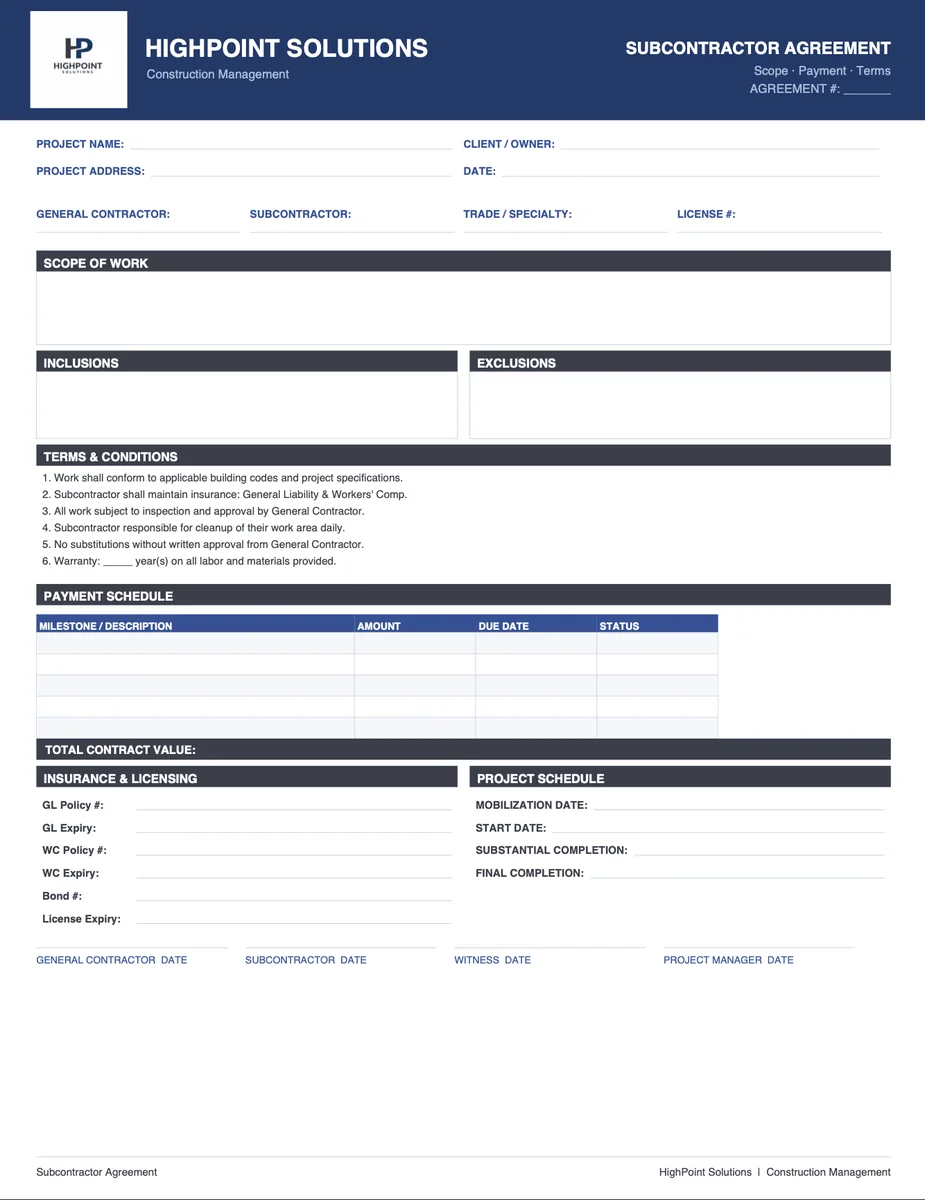
- The RFP document — a structured starter with the ten canonical sections (company info, project summary, scope, timeline, deliverables, references, point of contact, submission instructions, key dates, terms).
- An Operating Manual rule — your AI's playbook. As soon as you tell it the project, the AI knows what to ask, what to flag, and what to draft.
- A Setup Guide — a one-screen primer for the AI-guided editing workflow.
How To Write a Great RFP
A few rules of thumb the AI will hold you to:
- Be specific about the outcome, not the implementation. Vendors win by proposing how — not by re-explaining what.
- Set firm dates. When the RFP goes out, when questions close, when proposals are due, when you'll select. Nearly 40% of RFPs are completed in under 48 hours — give vendors clarity instead of speed.
- Define how you'll evaluate. Price, experience, references, fit — share the rubric and the weights.
- Name the point of contact. One inbox, one phone number, one decision-maker.
Benefits
- You get more bids, and they're stronger
- The process is more organized — for everyone
- Scope creep gets caught at the front door (only 51% of projects finish on time; clear scopes are the cheapest fix)
- Everyone knows what's expected before a contract is signed
 John Caviness